Journal Selection Tools
Finding the right journal for your research involves more than identifying publications that cover your topic. If open access (OA) is an important part of your research mission, then you may also want to know which journals offer open access publishing and how potential journals compare within your field.
Several tools can help you identify open access journals while also considering factors such as subject fit and journal impact factor. Here are three journal selection tools to get you started.
Web of Science Helps Remove the Guesswork
If you already have a manuscript title and abstract, Journal Citation Reports (JCR) through the Web of Science database, can help identify journals that may be relevant to your research.
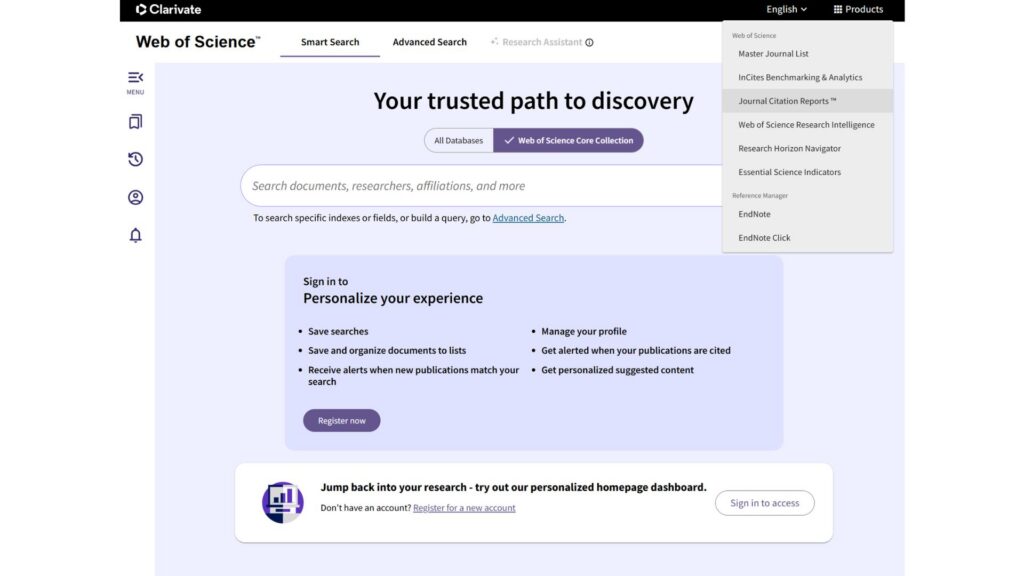
From Web of Science, select Products in the upper-right corner and choose Journal Citation Reports (JCR), or go directly to JCR through Lane Search. Within JCR, use the “Match my manuscript” option and enter your manuscript title and abstract. JCR will suggest journals related to the content of your research.
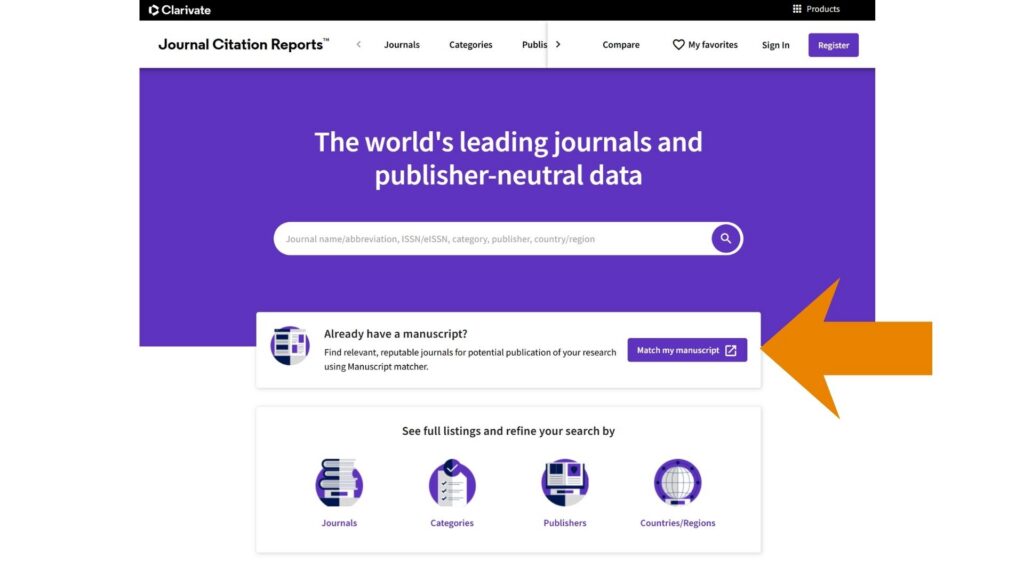
From there, you can explore the suggested journals and look more closely at their open access information and journal-level citation metrics. This allows you to start with the content of your manuscript and then investigate which potential journals align with your open access or publishing goals.
JCR can also be useful for comparing potential journals once you have developed a shortlist. Citation metrics can provide additional context, but they should be considered alongside a journal’s aims and scope, open access model or fees, and publishing requirements by type of publication.
Explore Open Access Journals by Subject and Tier with Scopus
Scopus Sources provides another way to identify potential open access journals, particularly when you already have some criteria in mind.
From Scopus, select Sources. You can then browse journals by subject area and narrow your results based on characteristics that matter to your publishing decision.
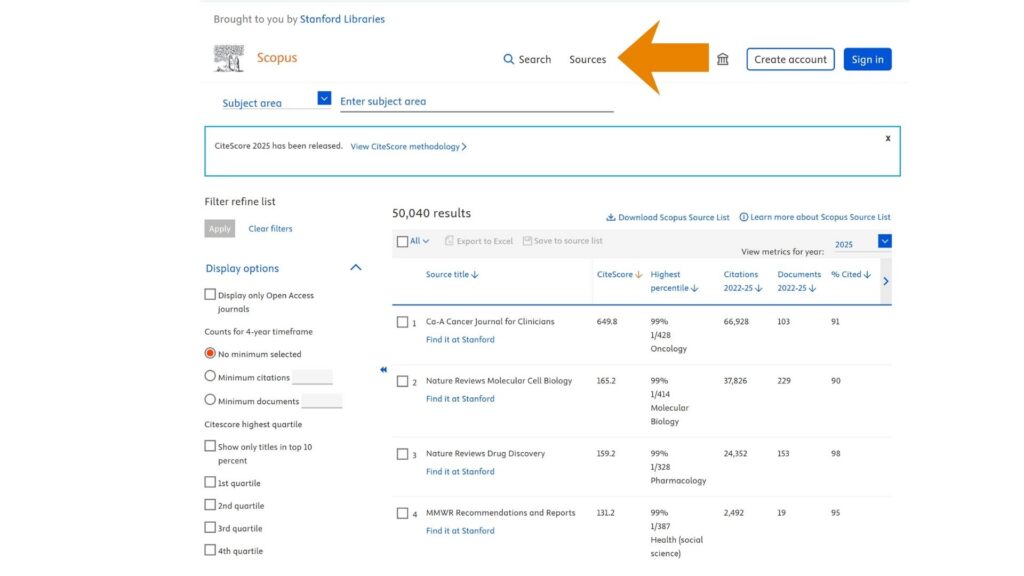
For example, you can limit your results based on open access status and use CiteScore quartiles to explore journals within different tiers. Journals can fall into Q1, Q2, Q3, or Q4 within their subject categories, with Q1 representing journals in the highest CiteScore percentile group.
This can be particularly helpful if you are looking for an open access journal within a specific discipline while also considering journal metrics.
Once you identify potential journals, the Scopus Source Details page provides additional information and metrics that can help you compare your options.
Explore Fully Open Access Journals with DOAJ
If you specifically want to explore fully open access journals, the Directory of Open Access Journals (DOAJ) is an especially useful resource.
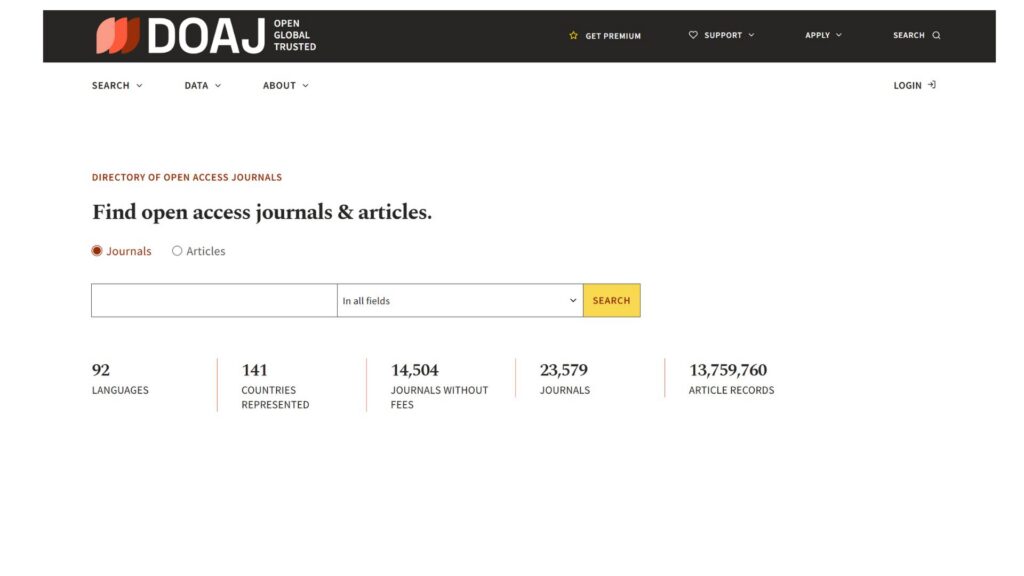
DOAJ is a searchable directory of peer-reviewed, fully open access journals across disciplines and publishers. Importantly, it takes the guess work out of knowing if a journal is predatory. Rather than starting with citation metrics, DOAJ allows you to approach journal discovery specifically from an open access perspective.
Researchers can search and browse journals by subject and explore information about their publishing practices, including article processing charges (APCs), licensing, copyright, peer review, and other open access policies.
DOAJ can also help identify journals that do not charge publication fees, an important reminder that open access does not always mean that authors must pay an APC.
Finding the Right Open Access Fit
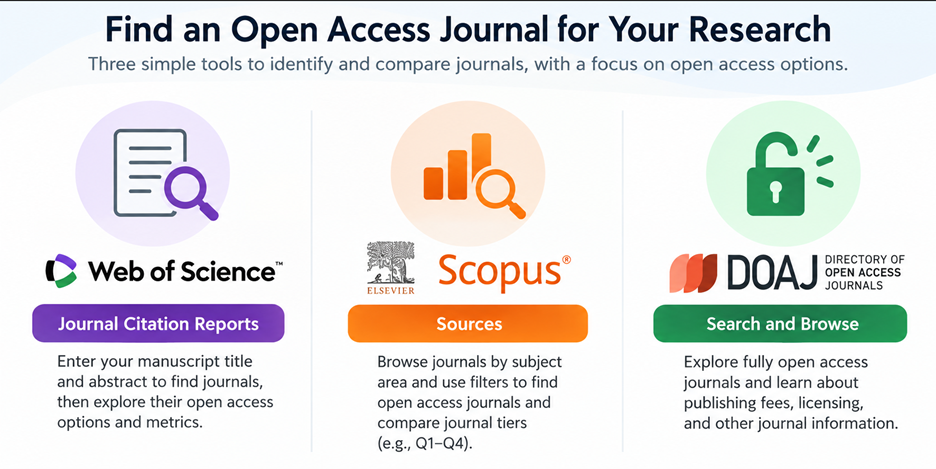
There is no single tool that will identify the right open access journal for every manuscript. Instead, these resources offer different ways to approach the search. If you need help using these tools or discussing open access journal options, contact your liaison librarian.